Kling 4.0 AI Video Generator: A New Chapter in AI Filmmaking
I have spent the better part of two decades making videos, first with tape and later with bits. I have watched the craft evolve from linear editing on Avid to nonlinear workflows in DaVinci Resolve and Final Cut Pro, from shooting on film to capturing raw footage on mirrorless cameras. Every new tool promised to save time or unlock a new creative possibility, but none of them fundamentally changed the way we think about moving images the way generative AI has started to do. The latest tool to cross my desk is the Kling 4.0 AI Video Generator, and after spending a few weeks testing it against other options, I have some thoughts that go beyond the usual press release hype.
Where AI Video Generation Stands Right Now
To understand what Kling 4.0 brings, it helps to look at the landscape. OpenAI showed us Sora, which stunned everyone with its ability to produce coherent clips from text prompts. RunwayML has been iterating for years, offering a suite of tools that let filmmakers experiment with text-to-video, inpainting, and motion tracking. Pika Labs carved out a niche with its fast, playful interface. Stable Video Diffusion gave the open-source community something to build on. Meta and NVIDIA have both published research that pushes the boundaries of what transformer architectures can do with temporal data. Adobe has been quietly integrating AI into Premiere Pro. Each of these efforts has strengths and weaknesses.
But the Kling 4.0 AI Video Generator comes from Kuaishou, the parent company behind the short-video platform that competes with TikTok in China. That background matters because Kuaishou has an enormous library of real-world video data, not just synthetic or curated clips. Their models have been trained on millions of hours of user-generated content, which gives them a different kind of base understanding of motion, lighting, and composition. When I first tested the previous version, Kling 3.0, I noticed it handled everyday scenes like someone walking down a street or a dog shaking off water with a naturalness that some competitors lacked. The new version builds on that foundation.
What Makes Kling 4.0 Different
The headline feature is something called Cinematic mode. This is not just a preset that adds black bars and a color grade. It is a set of parameters that control depth of field, camera movement, and lighting consistency across frames. In practice, when I prompted it with a scene of a woman reading a letter in a dimly lit room, the output kept the background soft and the subject sharp, with the light from the window shifting slightly as the camera panned. That kind of shot usually requires a skilled DP, an expensive lens, and careful blocking. Here, it came from a text prompt and a click.
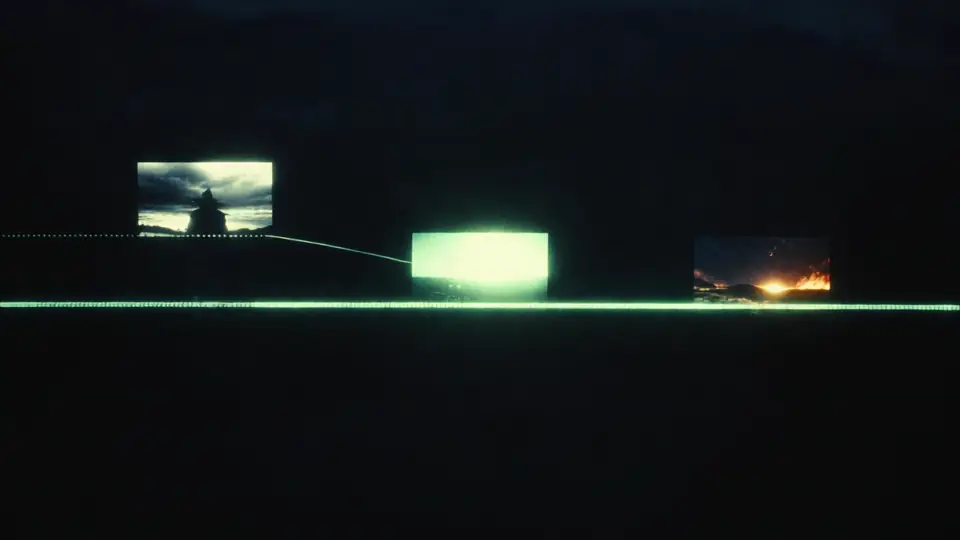
Another tool that deserves mention is the Motion brush. This lets you paint areas of a generated image or video and define how they move. If you want a flag to wave while the rest of the scene stays still, you brush the flag and set a motion vector. It is not perfect yet. The edges can blur, and complex motions like flowing hair or overlapping objects still trip it up. But for a first-generation implementation, it is surprisingly useful. I used it to animate a still shot of a coffee cup on a table, brushing the steam and a slight wobble into the cup itself. The result was not photorealistic, but it was evocative in a way that static imagery cannot match.
The Kling 4.0 AI Video Generator also handles image-to-video better than its predecessor. You feed it a photograph or a generated still, and it extrapolates a short clip that maintains the original composition. This is where I see the most immediate practical use for working professionals. If you are a commercial director or a content creator who sketches ideas in mood boards, you can now turn those still frames into moving drafts in minutes. It is not a replacement for a shoot, but it is a powerful previsualization tool.
Comparing to the Competition
I have used Sora through a research partner, and I can say that OpenAI's model still leads in pure coherence on long clips. Sora understands physics in a way that few others do. But Sora is not widely available yet, and its generation times are longer. RunwayML's Gen-2 and Gen-3 are fast and reliable, but they sometimes produce artifacts that require cleanup in post. Pika Labs is great for quick experiments, but its resolution caps out lower than I would like for client work. Stable Video Diffusion is open and flexible, but it requires significant technical skill to set up and tune.
The Kling 4.0 AI Video Generator sits in a sweet spot. It is accessible through a web interface, does not require a powerful local GPU, and produces 1080p output that holds up on a monitor. It is not yet at the level where you can generate a finished scene and drop it straight into a timeline, but it is close enough that I have started using it for storyboarding and concept work. I can generate a dozen variations of a shot in an hour, pick the best one, and then brief my DP on what we want to capture. That alone changes the preproduction pipeline.
The Technical Underpinnings
Under the hood, Kling 4.0 uses a transformer architecture similar to what you find in large language models, but adapted for spatiotemporal data. That means it processes both the spatial content of each frame and the temporal relationship between frames. It also uses a diffusion process that starts with noise and refines it into video, guided by the text or image prompt. The model has been trained on a massive dataset from Kuaishou's platform, which gives it an edge in understanding natural human movements and everyday environments.
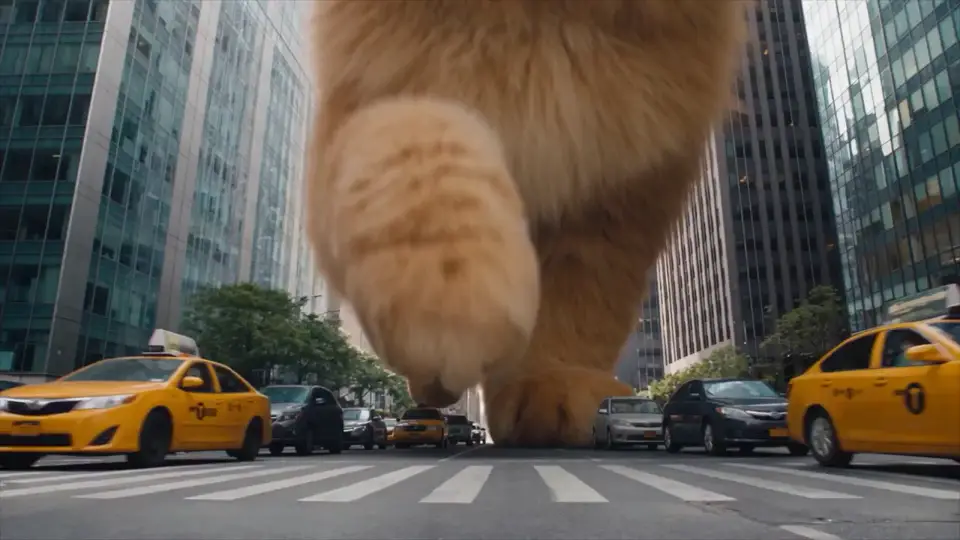
There are limitations. The model struggles with fast motion, complex group scenes, and any scene that requires precise physical interactions, like someone catching a ball or a glass shattering. The output length is capped at around 10 seconds for now, though you can extend it by feeding the last frame back as a new input. The character consistency across multiple shots is improving but still prone to drift. If you generate a clip of a person in a blue jacket and then generate another clip of the same person in the same jacket, the jacket may change slightly in color or cut. These are problems that every generative video tool faces, and they will likely be solved with larger models and more training data.
Practical Workflow Integration
I have been slotting Kling 4.0 into my existing workflow alongside DaVinci Resolve and Final Cut Pro. Here is how it works in practice. I write a script and storyboard it. For key scenes, I write prompts and generate clips. I drop those clips into a timeline to check pacing and composition. If a scene needs a specific camera move, I use the Motion brush to define it. Once I have a rough cut that looks right, I take that to the shoot. The final footage always looks better than the AI version, but the AI version gives the whole team a shared visual reference that is far more concrete than a storyboard sketch.
For solo creators, the tool is even more valuable. If you are making a short film or a YouTube video and cannot afford a full production crew, you can generate backgrounds, B-roll, or even entire scenes. The quality is not yet cinematic in the traditional sense, but it is good enough for many online formats. I have seen creators use it to generate dream sequences, historical reenactments, and abstract visuals that would be prohibitively expensive to film.
Ethical and Practical Concerns
No discussion of generative AI in video would be complete without addressing the concerns. Garrett Kinsman, a visual effects artist who has worked on major Hollywood films, has spoken about the potential for AI to displace jobs and devalue craft. He is right to be worried. Tools like Kling 4.0 will certainly reduce the demand for certain kinds of low-end production work, just as digital editing reduced the demand for film splicers. But they also create new roles. Prompt engineering, AI art direction, and hybrid workflows that combine AI generation with traditional filmmaking are already emerging as specializations.
The copyright questions are thorny. The model was trained on data that includes user-generated content from Kuaishou. The legal status of that training data varies by jurisdiction, and the output may resemble existing works in ways that could lead to disputes. As a professional, I treat AI-generated content the same way I treat stock footage or licensed music. I make sure I have the rights to use it, and I do not pass it off as original work without disclosure. That seems like a reasonable standard for now.
Looking Ahead
The Kling 4.0 AI Video Generator is not a finished product. It is a version 4.0, which means the developers are iterating fast. The next few versions will likely solve the character consistency problem, extend the clip length, and improve resolution. The underlying technology is moving so quickly that what feels like a breakthrough today will be table stakes next year. But for anyone working in video, from hobbyists to professionals, the current version is worth trying. It is one of the most capable tools in a rapidly expanding field, and it offers a glimpse of where AI filmmaking is headed.
If you are curious, I recommend starting with a simple prompt. Something like "a person walking through a foggy forest at dawn." See what the model gives you. Then try the same prompt in RunwayML or Pika Labs and compare. You will notice differences in how each tool handles light, motion, and atmosphere. That comparison will teach you more about the state of the art than any article can. And it will show you why the Kling 4.0 AI Video Generator is a name you will be hearing more often.